
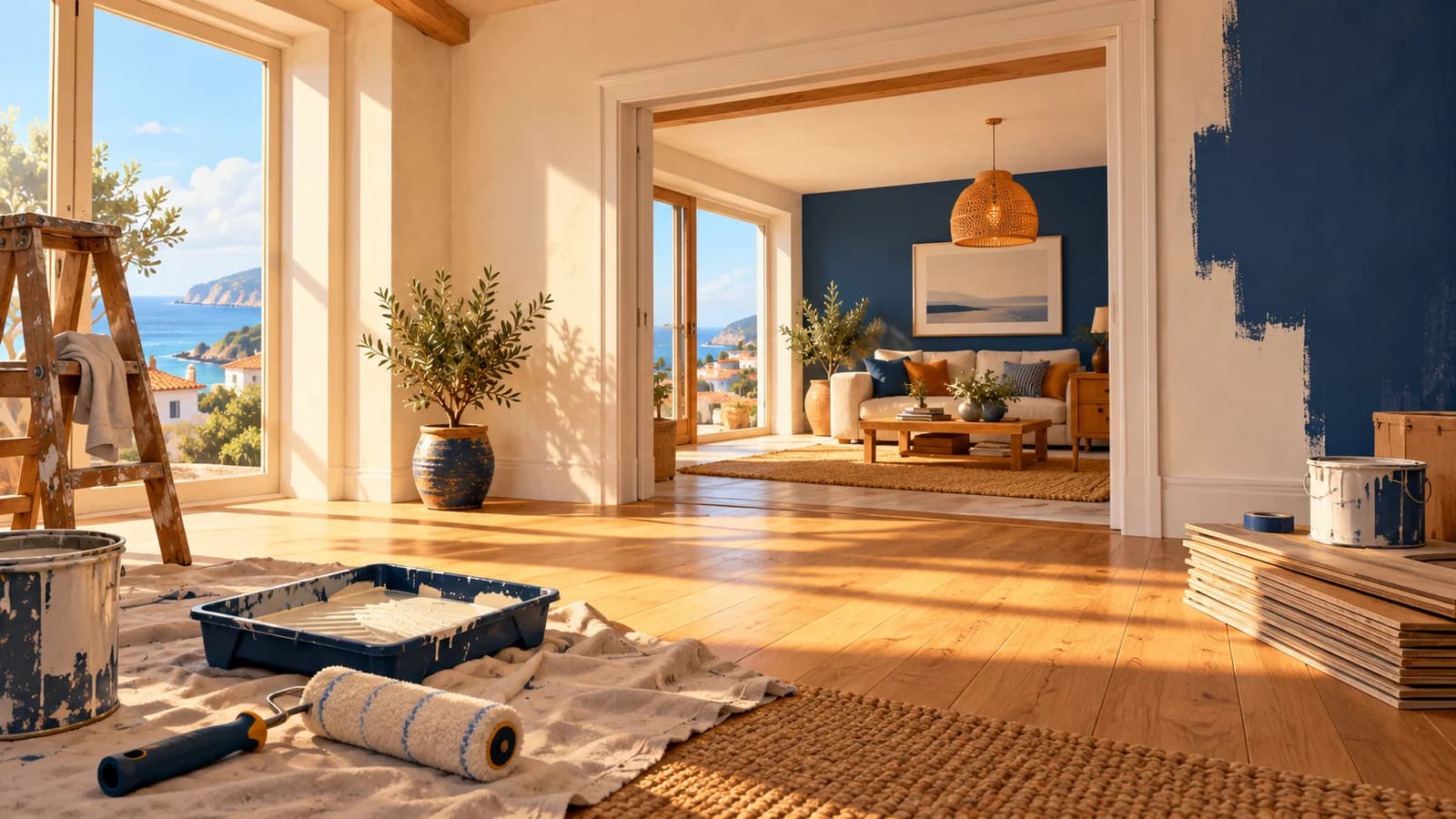
Yes, you can build your own house in House Flipper 2: Sandbox mode supports constructing houses from scratch. The official website presents that as one of its defining options, alongside Story mode's renovation projects and quick jobs. Choose Sandbox when creating the property is your main goal, rather than looking for a particular renovation assignment.
This House Flipper 2 sandbox mode guide separates confirmed features from editorial planning advice. Official information was checked on October 25, 2026; the suggested building approach below is not a reproduced gameplay test. Current roof changes, Story's added empty lots and community sharing each have their own scope, so they should not be combined into a single claim about what Sandbox contains.
01
Decide what you want to build
Sandbox is the confirmed answer to the broad question of whether you can make a house from scratch. That does not mean every roof shape, room arrangement or construction technique has been verified in the sources used here. Our editorial suggestion is to begin with a specific goal, such as a compact home or a small renovation concept, instead of treating an ambitious reference picture as a guaranteed recipe. If you are still learning the game's task feedback and basic tools, the beginner guide provides a separate starting point without inventing a mandatory sequence before Sandbox.
02
Compare Story and Sandbox by their purpose
The official descriptions make the clearest distinction through the work each mode offers. Story provides renovation projects and quick jobs, while Sandbox explicitly supports building a house from the ground up. Current official store information also describes co-op in both modes, so playing with friends is not a reason to assume you must choose one particular mode. Use the comparison below to choose the kind of project you want; it does not claim that every tool, project option or progression rule is identical across modes.
| Question | Story | Sandbox |
|---|---|---|
| What does the official description emphasize? | Renovation projects and quick jobs in Pinnacove. | Constructing houses from scratch. |
| What is confirmed about empty lots? | The free May 2026 update added four empty lots. | Building from scratch is part of the mode's official description; those Story additions are not a Sandbox lot count. |
| Can friends participate? | Current product information supports co-op. | Current product information supports co-op here too. |
03
Keep the different empty-lot announcements separate
The May 2026 announcement describes four empty lots added to Story mode through the free update. The same announcement separately advertises three empty lots for the paid Sakura DLC, which is a different content statement. Neither number should be used as the total number of Sandbox plots, a construction limit or proof that you need Sakura to access Sandbox building. When comparing an older guide with your own game, first identify whether it discusses the base-game update, the paid expansion or Sandbox itself, and consult the platform guide for confirmed hardware availability.
04
Plan a small layout before detailed decoration
As editorial planning advice, sketch the main spaces and the route between them before deciding on every decorative item. A small concept makes it easier to decide whether your own design feels coherent, although this is a creative recommendation rather than a game rule or a measured performance advantage. Choose one main visual direction and a modest set of reference ideas, then leave room to revise the plan as you learn which options suit the project. This guide does not promise that a drawn floor plan can be imported automatically, that every reference shape is supported or that a particular layout satisfies a buyer formula.
05
Read roof advice against the May 2026 changes
The free May 2026 update changed roof placement to a three-click process, added roof profiles and bend settings, and allowed another roof to be constructed without leaving Fly mode. Those are documented changes, but the announcement alone does not supply a complete, current walkthrough for every roof shape or input device. Use those details to recognize potentially outdated roof instructions, rather than guessing the purpose of each click or copying an unverified keyboard shortcut. Our editorial recommendation is to try a simple roof concept before a complicated combination, while checking the controls presented in your own version of the game.
06
Separate structure questions from style questions
Building the property and matching the appearance of its contents are related goals, but they can lead to different tool questions. Official updates document Flipper Tool functions including Duplicate, Copy style and resizing for certain marked items; they do not establish that every object can be resized or that every construction element follows the same process. Our editorial suggestion is to identify whether you are changing the building's shape, an item's style or a surface finish before following a tutorial. The Flipper Tool guide covers the supported style functions, while the tool progression guide keeps Story unlock questions separate.
07
Use mod.io for community houses and jobs
House Flipper 2 uses mod.io for sharing houses and jobs across gaming platforms, as described in developer support and the game's pinned community-content guide. That guide documents enabling Community content, opening the Sandbox project's browsing area, signing in to mod.io and subscribing to a project; downloaded subscriptions appear in the Downloaded area. These labels come from the documented guide rather than a local gameplay test, so check your current interface if the wording differs. Follow the dedicated Mods and mod.io guide for the workflow and platform boundaries instead of applying the first game's Steam Workshop instructions to House Flipper 2.
08
Understand the difference between uploading and exporting
The mod.io guide describes opening a Sandbox project through Edit property and finding its Property settings. Its Upload to mod.io option publishes through a form, while Export as mod produces a ZIP for sharing. Before using either, our editorial recommendation is to decide whether you want a public community listing or an exported file, and review the project information you are providing. The source also includes a Windows manual-file method, but that does not make the same folder operations available on consoles or establish that every platform follows identical import steps.
09
Prepare multiplayer as a separate part of the project
Current official product information describes cross-platform co-op for up to four players in Story and Sandbox. If your goal is a shared build, use the multiplayer guide to check the documented version and crossplay requirements before treating a connection problem as a building problem. Our editorial suggestion is to agree on the project's purpose and who will organize the session before beginning a large creative collaboration. Online co-op support alone does not confirm local split screen, every DLC combination or an unannounced platform version, so those questions still need their own evidence.
10
Keep creative goals separate from sale requirements
A Sandbox design can begin with a visual idea, while advice about selling houses needs to account for the current Buyers 2.0 system. The May 2026 update says buyer satisfaction affects the sale price and describes feedback involving surroundings, building size, items and item tags. Do not convert a decorative theme into a guaranteed profit strategy or assume a creative project automatically demonstrates how Story buyers will assess it. For that question, use the selling houses guide; for a building project, choose the next task from your own plan and verify the specific tool or shape it requires.